
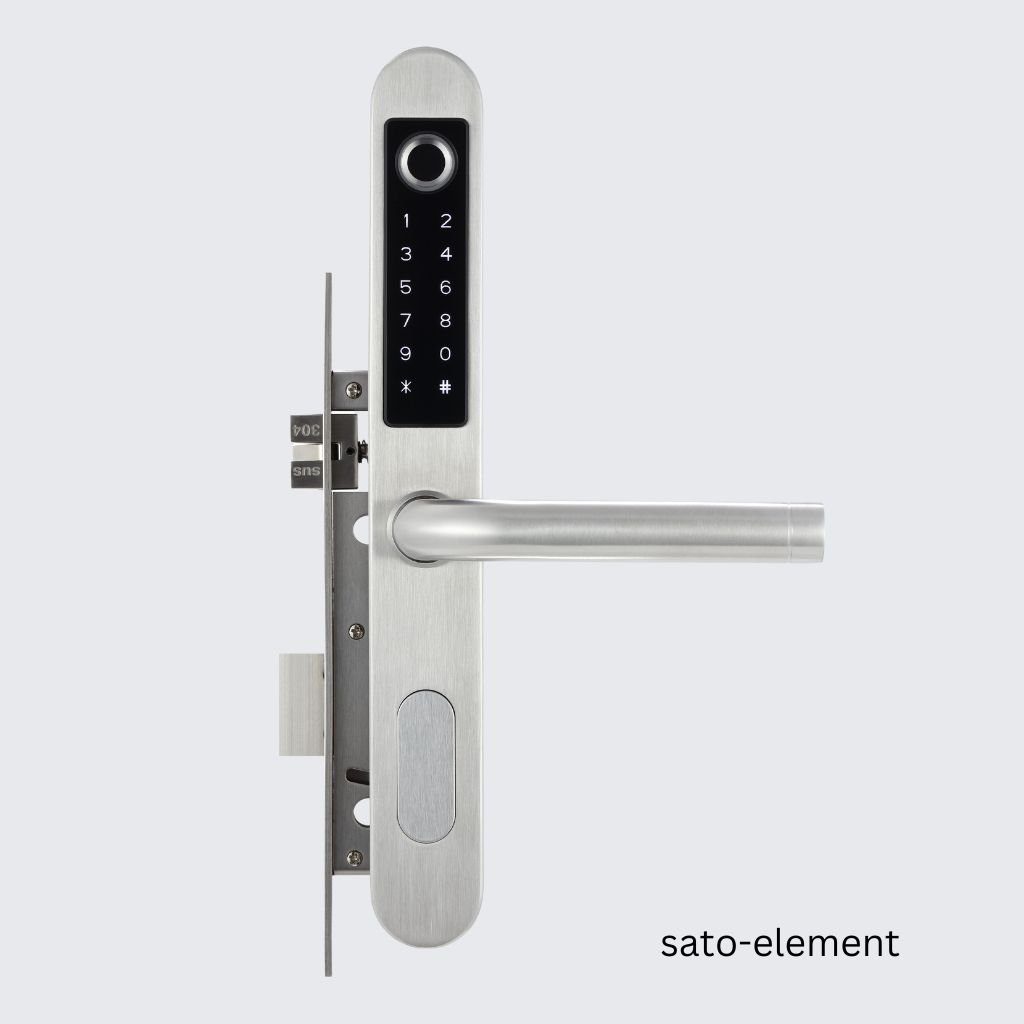
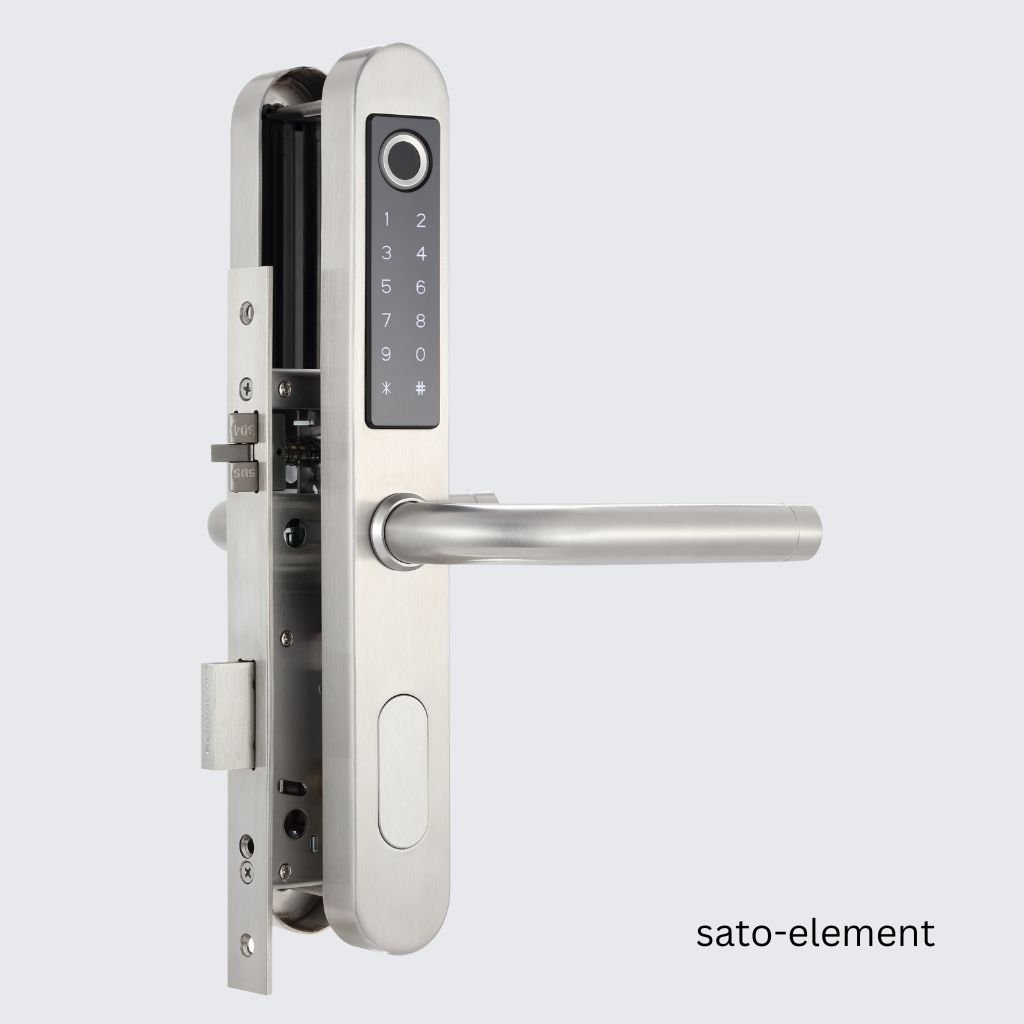
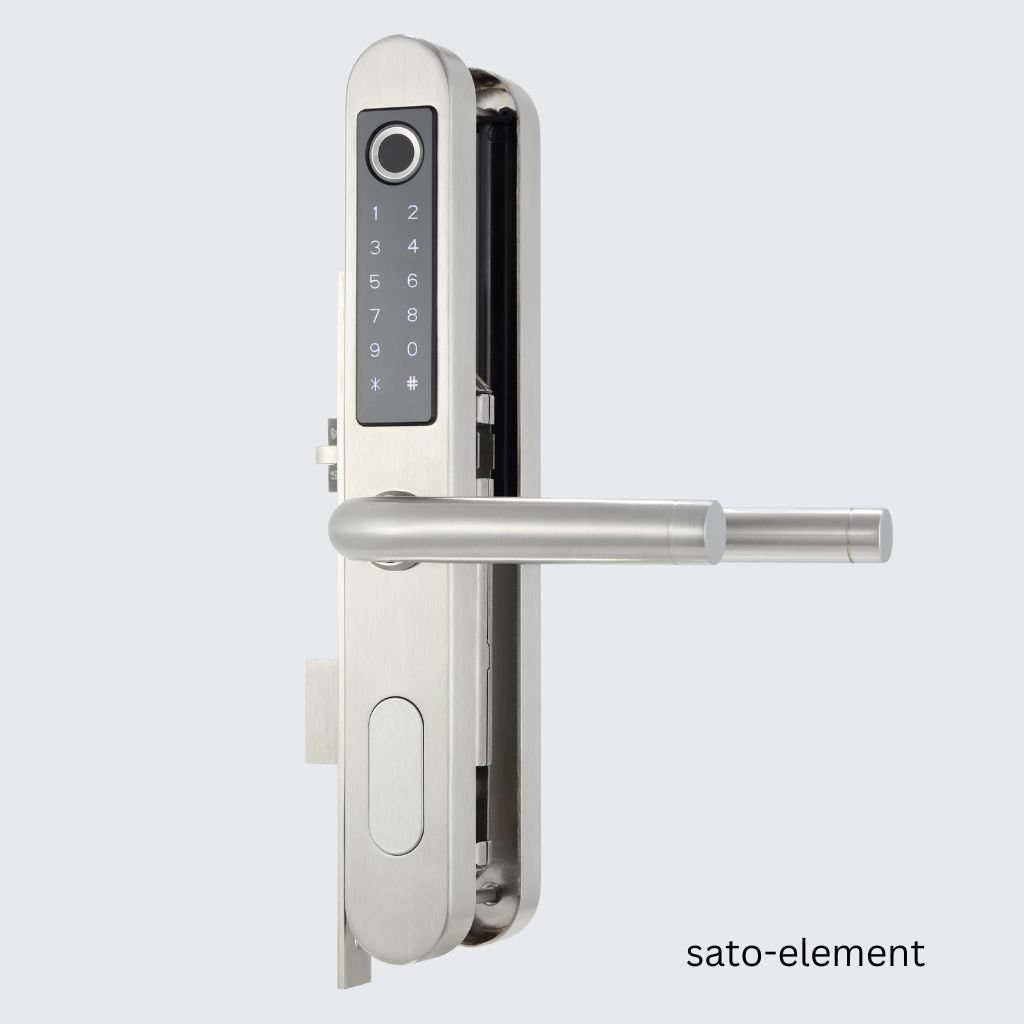
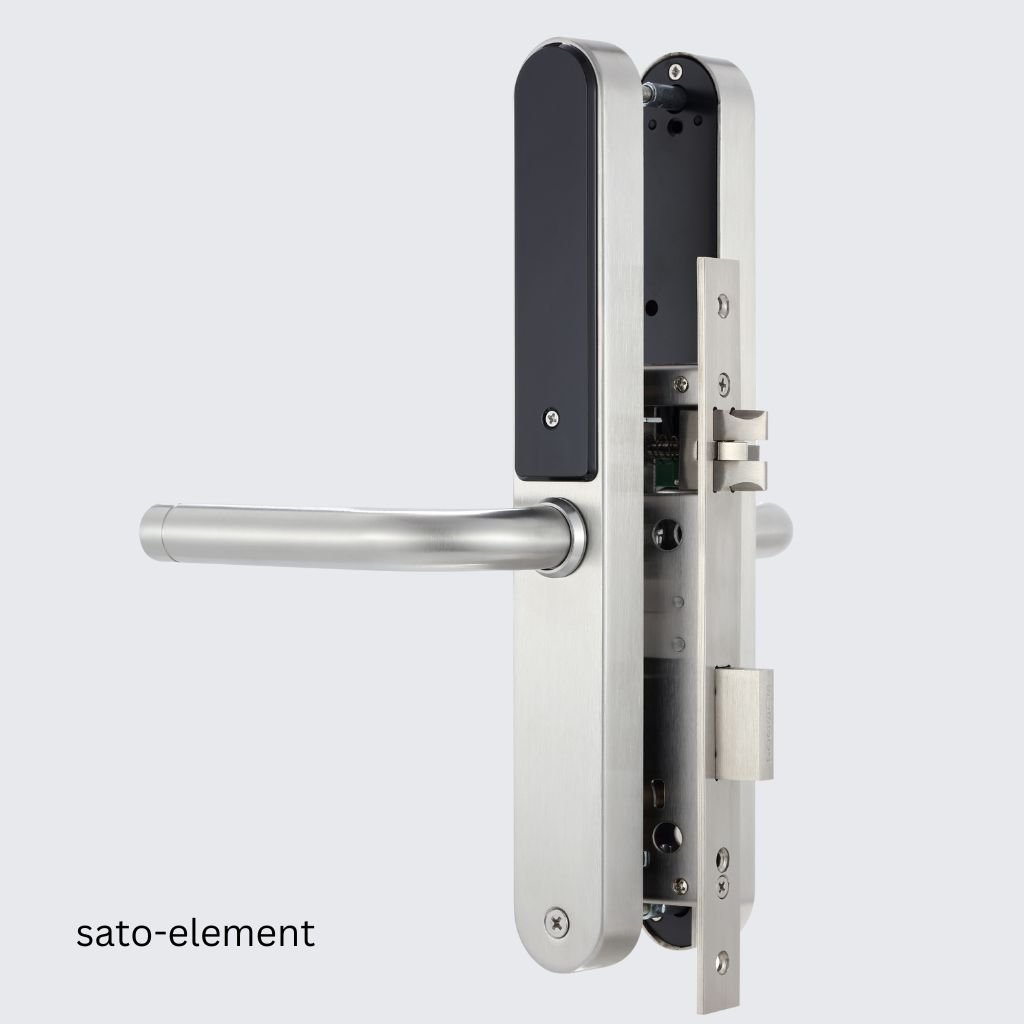


Description
SATO HT System locks are modern, functional, and technologically advanced, as per international quality standards. The locks have the following advantages:
- A long service life guarantee
- A trendy design
- The option to configure electronic hotel locks to any door and opening method
We manufacture all locks from high-quality materials and offer a variety of color options.
Finish layers are resistant to light and other external factors and have a long-lasting sheen. Our quality guarantee is backed up by an extended warranty.
Features of the SATO Online Electronic Hotel Locks
SATO HT hotel online locks use SATO HT software that should be installed on the hotel server. Deploying the hotel ACS system on a local server provides system fault tolerance due to independence from the operation of external communication channels. The hotel, in principle, may not have access to the Internet, but all the services provided for the online locks are still available for the hotel.
In order to connect the lock to the server, either Sub-1G or BLE (Bluetooth Low Energy) technology is required. Sub-1G networking enables communication at the lowest energy consumption. The technology is used by the specialized HT Gateway. BLE can be involved in case the SATO HT ESD online energy-saving switch is operated as a gateway. One SATO HT gateway can serve up to 32 hotel locks, but one online switch is required for one lock of a particular room.
The SATO HT System also allows the use of Online Locks that work offline. In this case, the lock can be opened by a guest with a keycard, by a dynamic offline password (for locks with a code panel), by mobile application via Bluetooth. This mode is especially convenient, for example, at a campsite with several cabins located around the territory, where it is quite difficult to deploy the system of gateways.
In the standard online mode, a lock can be opened with a keycard, a permanent guest keycard, the set password in both offline and online modes (for devices with a code panel), the application installed on a mobile device to which the lock is paired via Bluetooth, or remotely from the administrator’s workplace.
In online mode, a hotelier has access to the status of a lock and all the logs. Including reports on passages through each door based on the data collected in real time.
Taking into account the hybrid structure of the solution, specially designed for the hotel industry, even in the event of a total failure of the online system (for example, a failure of the server, LAN that ensures the operation of gateways or online switches, power outage), all locks in the hotel continue working properly and still can be easily opened with a guest keycard. In the event of a prolonged system failure (like a long power outage), you have an option to issue guest keycards using the SATO HT lock programmer. These measures have been taken to protect your guests and your reputation.
The implemented PMS Integration Module allows issuing guest keycards directly from the workplace of the hotel administrator from the usual software environment of the hotel accounting system, including a popular cloud PMS. The PMS integration module can be used with all popular hotel systems.
Each electronic lock comes with a mechanical key. It helps to open a door in case of an electronic failure or when the batteries are completely discharged. This ensures that there is no need to break down a room door in these cases.
Reviews
There are no reviews yet.